
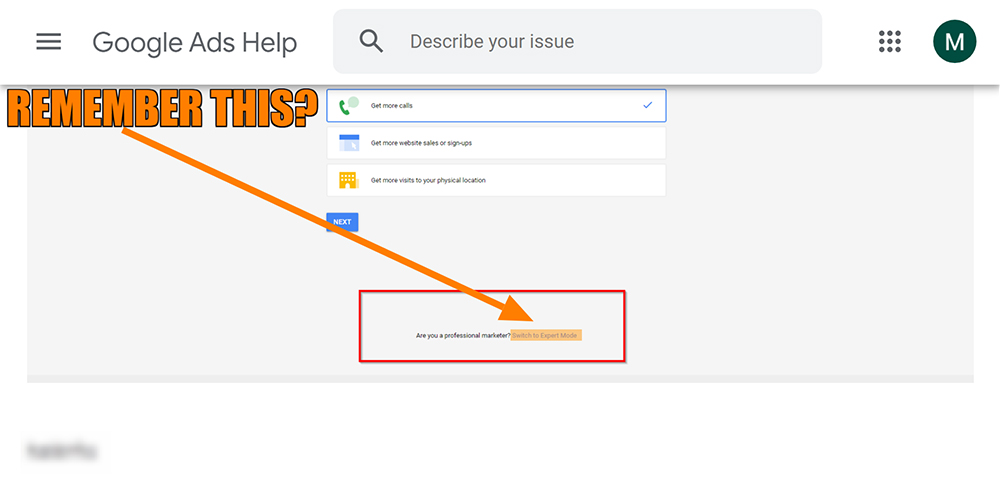
So you’ve probably seen the new Keyword Planner on Google Ads? But do you remember what it used to look like? Yes! Expert-Mode…
Step 1: Get into Google Ads (formerly Google AdWords):
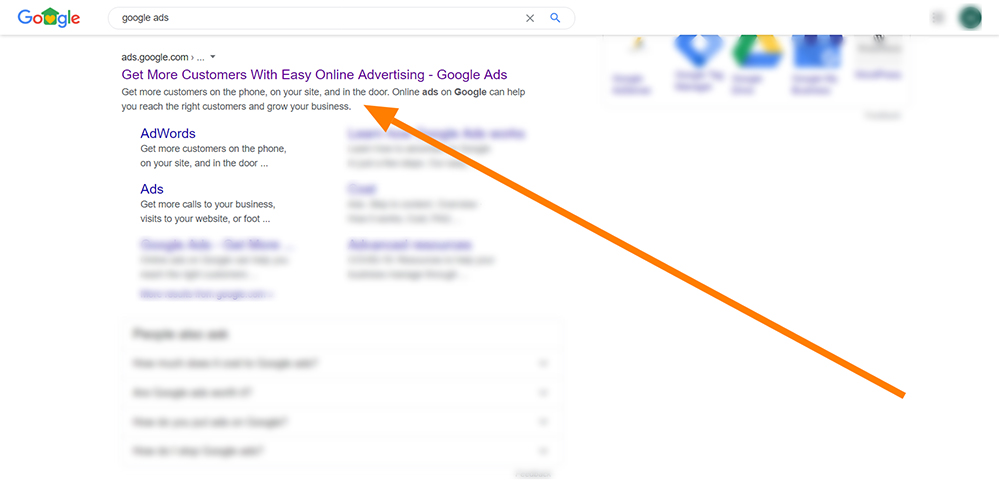
So this can be achieved in a number of ways. You type any of the following keywords into a search engine:
- Google Ads
- Ads
- keyword planner
- new look keyword planner
Take your pick. But make sure you click on:
Step 2: Login to Google Ads
So if this is your first time you will have to create an account. But if you find any difficulty check out Google’s sign in to Google Ads support page.
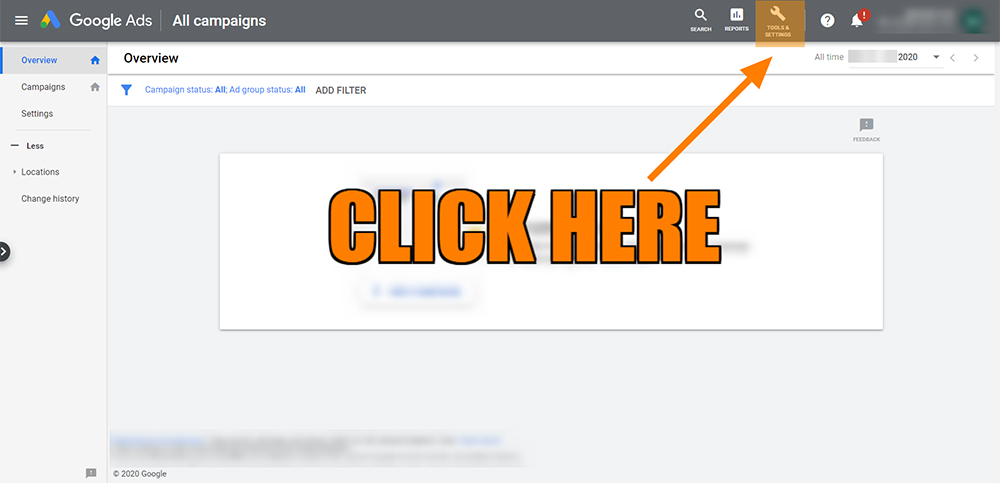
Step 3: Click on Tools & Settings
So your in! Next, bypass all the tutorials and get to the main dashboard. Then you should see a large banner at the top which says: Google Ads | All Campaigns. So look right and click on Tools & Settings.
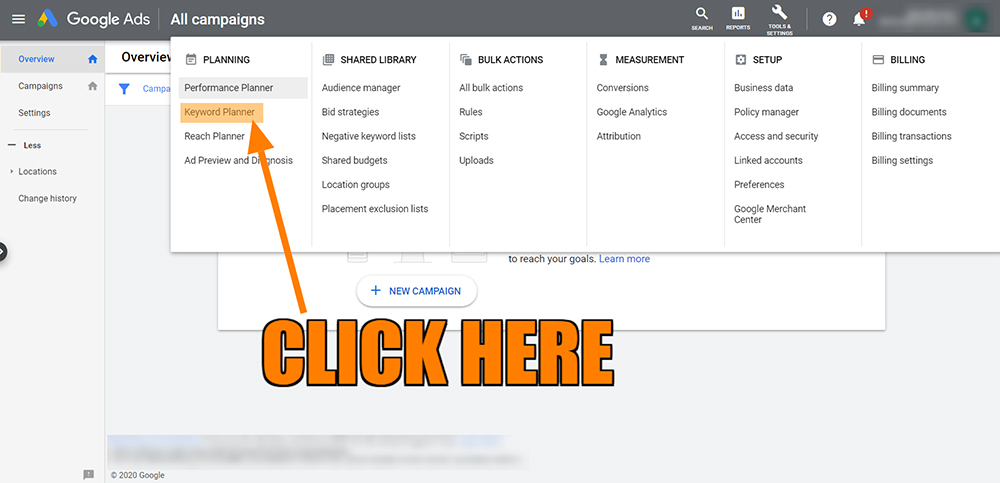
Step 4: Click on Keyword Planner in Google Ads
So that was easy enough right? Now after clicking on Tools & Settings you should see an array of new options. So look to the far left column named Planning and click on Keyword Planner. It should be underneath Performance Planner and above Reach Planner. Got it?
So click it! Click Keyword Planner
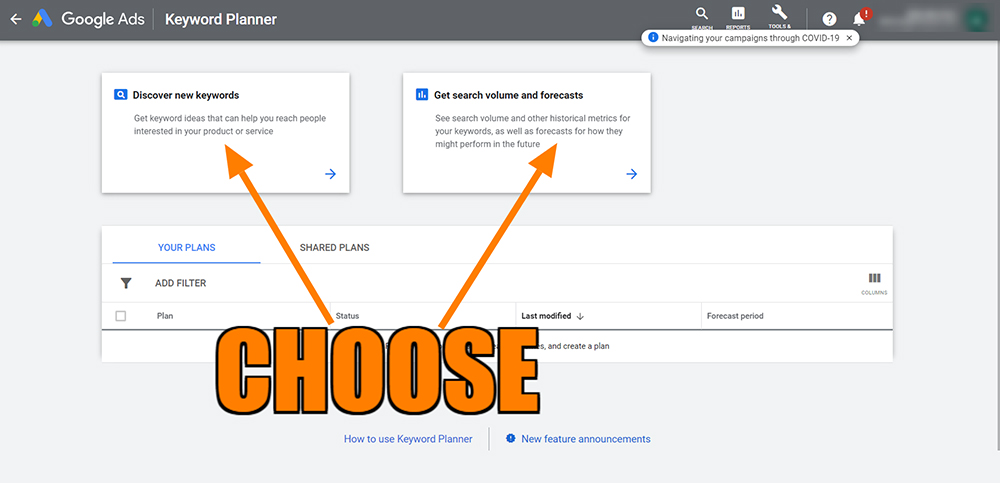
After this, you have the option of choosing between Discover new Keywords or Get Search Volumes and Forecasts. So choose.
Let us know how you found this tutorial for accessing the Keyword Planner on Google Ads
Make sure you leave a comment on any feedback you have. Also if you have any tutorials you would like to share kindly email us at [email protected].
This has been a Kwayse tutorial on how to access Keyword Planner on the new-look Google Ads.
If you require any further information on increasing traffic or sales contact us now.

